I. Introduction
In today’s digital business environment, companies need flexible access to their financial data from anywhere. Cloud-based solutions enable users to securely access TallyPrime remotely, supporting work-from-home and multi-location operations. This improves collaboration, ensures real-time data availability, reduces dependency on physical systems, and enhances overall efficiency, scalability, and business continuity.
II. What is TallyPrime on Cloud?
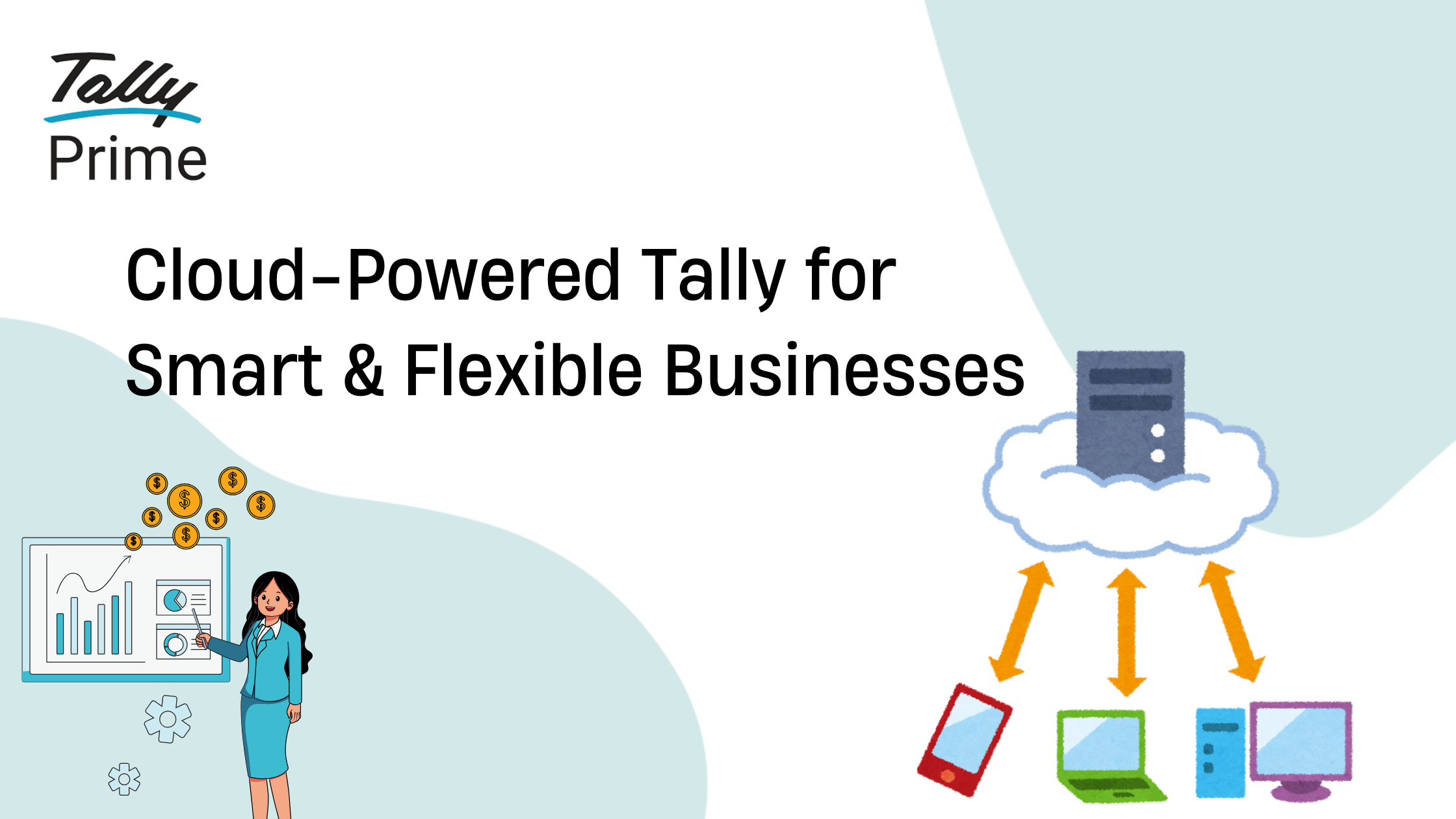
Cloud hosting allows TallyPrime to be installed on a remote server instead of a local computer. This enables businesses to access their accounting data online through secure login from any location using the internet. It ensures centralized data storage, real-time access, multi-user collaboration, and improved security without depending on physical office systems.
III. Why Businesses Need Tally on Cloud
TallyPrime on cloud, businesses can access data remotely without being restricted to a single location. It enables employees to work from anywhere, improving flexibility and productivity. Multi-user collaboration allows teams to work on the same data simultaneously. Advanced data security features ensure safe access, protect sensitive information, and maintain data integrity at all times.
IV. Key Benefits of TallyPrime on Cloud
Using TallyPrime on cloud enables anytime, anywhere access, allowing businesses to work remotely with ease. Real-time data ensures instant updates and better decision-making. Improved security protects sensitive information with encryption and backups. Cost efficiency reduces IT infrastructure expenses, while scalability allows businesses to easily expand users and resources as they grow.
V. How TallyPrime on Cloud Works
Cloud server hosting allows TallyPrime to run on a secure remote server instead of a local system, ensuring reliability and uptime. Remote access login enables users to securely access data from anywhere using internet-connected devices. Centralized data storage keeps all business information in one place, ensuring consistency, easy access, real-time updates, and simplified data management.
VI. Step-by-Step Guide to Access TallyPrime on Cloud
Choose a reliable cloud provider that offers secure and high-performance hosting for TallyPrime. Purchase the required Tally license along with cloud hosting. Complete proper setup and configuration on the server. Define user access and permissions for security. Finally, enable remote login so users can securely access Tally anytime, from anywhere.
VII. Types of Cloud Hosting Options
Private cloud provides dedicated resources for a single business, ensuring higher security, control, and customization. Public cloud is a cost-effective option where resources are shared, offering scalability and easy access. Managed cloud services handle hosting, maintenance, and security of TallyPrime, allowing businesses to focus on operations without technical complexities.
VIII. Security Features in Tally Cloud
Data encryption in TallyPrime on cloud ensures sensitive business information is protected from unauthorized access. Secure login systems with strong authentication prevent misuse. Regular backups safeguard data against loss or system failures. Firewall protection adds an extra layer of security by blocking unauthorized network access, ensuring safe and reliable cloud-based accounting operations.
IX. Cost Factors for Tally on Cloud
The cost of accessing TallyPrime on cloud depends on several factors. The number of users determines licensing and resource usage. Server configuration, including RAM, storage, and performance, affects pricing. Hosting costs vary based on provider and security features. Additionally, support services like maintenance, backups, and technical assistance can influence the overall investment.
X. Best Practices for Using Tally on Cloud
Using strong passwords in TallyPrime helps prevent unauthorized access and protects sensitive business data. Regular backups ensure data safety in case of system failure or cyber threats. Monitoring user access helps track activities and detect issues early. Keeping the software updated ensures the latest security patches, performance improvements, and compliance features for smooth operations.
XI. Common Challenges and Solutions
Internet dependency means TallyPrime on cloud requires a stable connection, and disruptions can affect access. Downtime due to server issues may interrupt business operations. Security concerns arise if proper protections are not in place. Choosing the right cloud provider is crucial to ensure reliability, strong security measures, data backups, and consistent performance.
XII. Conclusion
Accessing TallyPrime on cloud empowers businesses with flexibility, security, and efficiency in managing financial operations. It enables remote access, real-time collaboration, and centralized data management while reducing infrastructure costs. With the right cloud setup


